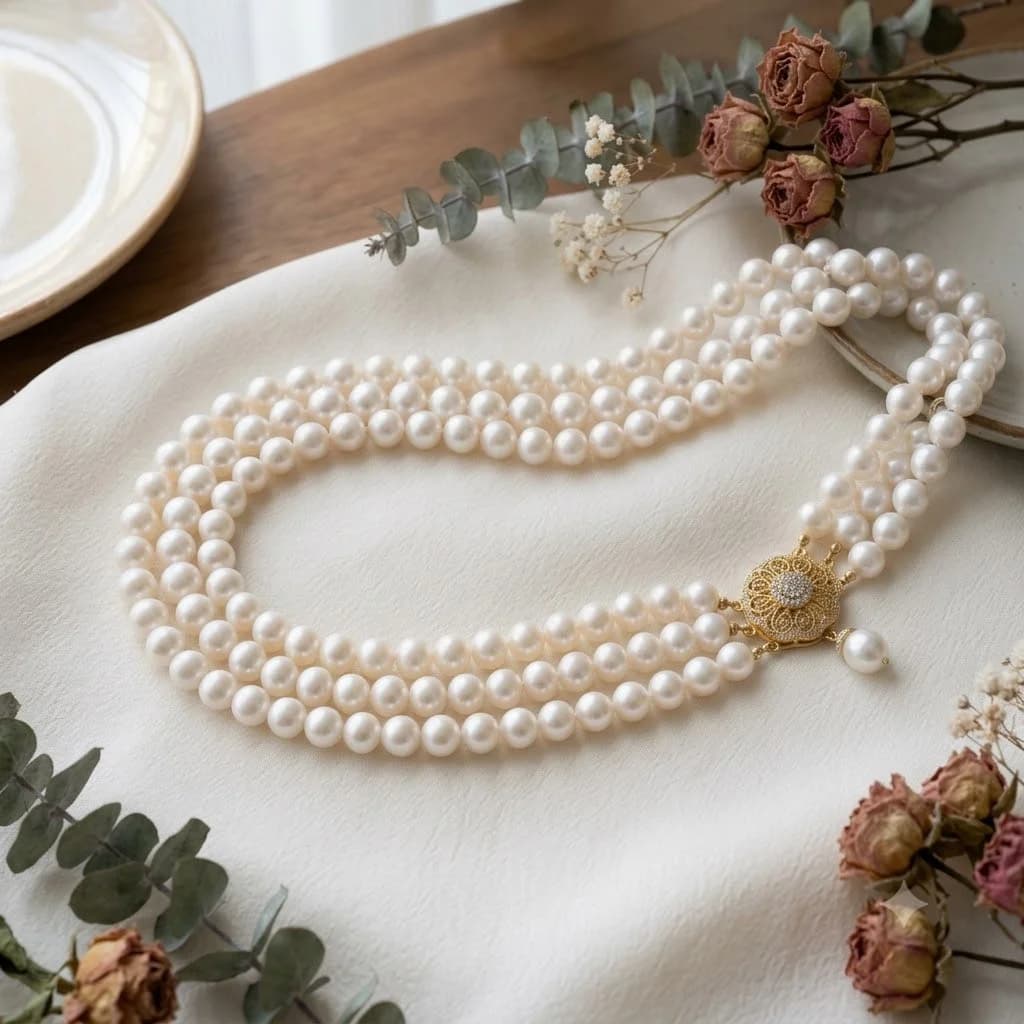
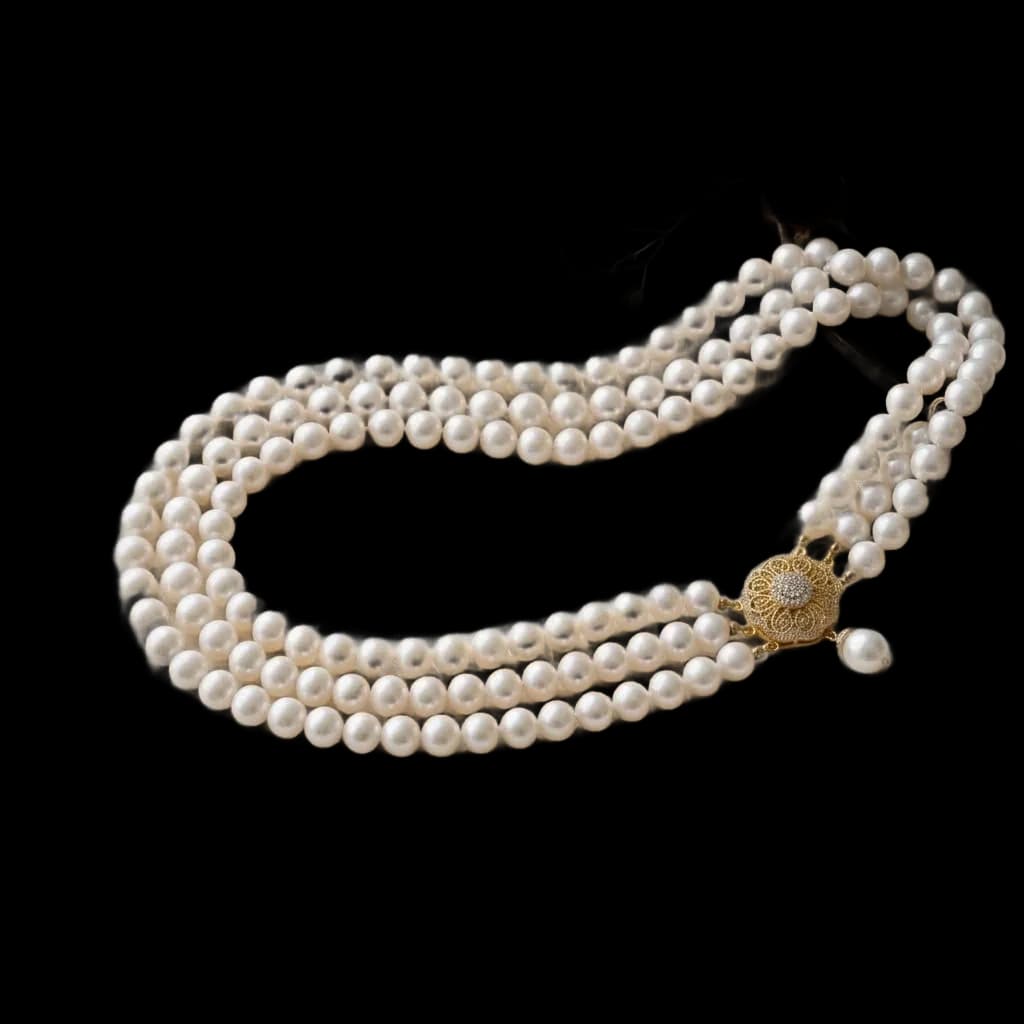
Jewelry background remover
Remove the backdrop from a jewelry photo and keep the alpha channel, so the piece drops onto any colour, banner or lifestyle scene you like.
Before and after
One upload, one cutout, no manual masking.


Why a transparent cutout beats a white one
White is a destination. Transparency is a starting point you can still change your mind about.
One asset, every channel
The same PNG goes onto a white marketplace listing, a coloured campaign banner and a dark-mode email without being re-cut each time.
No white halo on dark layouts
A cutout flattened to white first leaves a pale fringe when placed on black. Keeping the alpha channel avoids that entirely.
Composites stay editable
Drop the piece onto a model's hand, a velvet tray or a gradient later — the cutout does not have to be redone.
How the cutout works
Four steps, no selection tools.
- 01
Upload the photo
Any background — a desk, a hand, a display bust, a cluttered workbench.
- 02
The subject is found
The piece is separated from everything behind it, including surfaces close to its own colour.
- 03
Edges are refined
Chain links, prongs and pierced negative space are cut through rather than filled in.
- 04
Download the PNG
Transparency preserved at full resolution, ready for any layout.
Jewelry background remover — FAQ
- What file format do I get back?
- A PNG with a real alpha channel. Place it on any colour and no white box appears behind the piece.
- Does it handle a hand or a bust in the shot?
- The jewelry is treated as the subject and the rest is removed. If you want the hand kept, shoot the piece separately — the model is read as background here.
- Will it work on a background close to the metal colour?
- Yes. Separation is based on the shape of the object rather than a colour threshold, which is what makes silver-on-grey survivable.
- Is resolution lost in the process?
- No. The cutout comes back at the resolution you uploaded, so a 4000px studio shot stays 4000px.
- Can I flatten it to white afterwards?
- Yes. The white background version is one option away, and it uses the exact RGB 255,255,255 value marketplaces check for.
Related pages
More ways to prepare Jewelry images.
Cut out a piece and see the edges
Chains are the honest test. Try one.