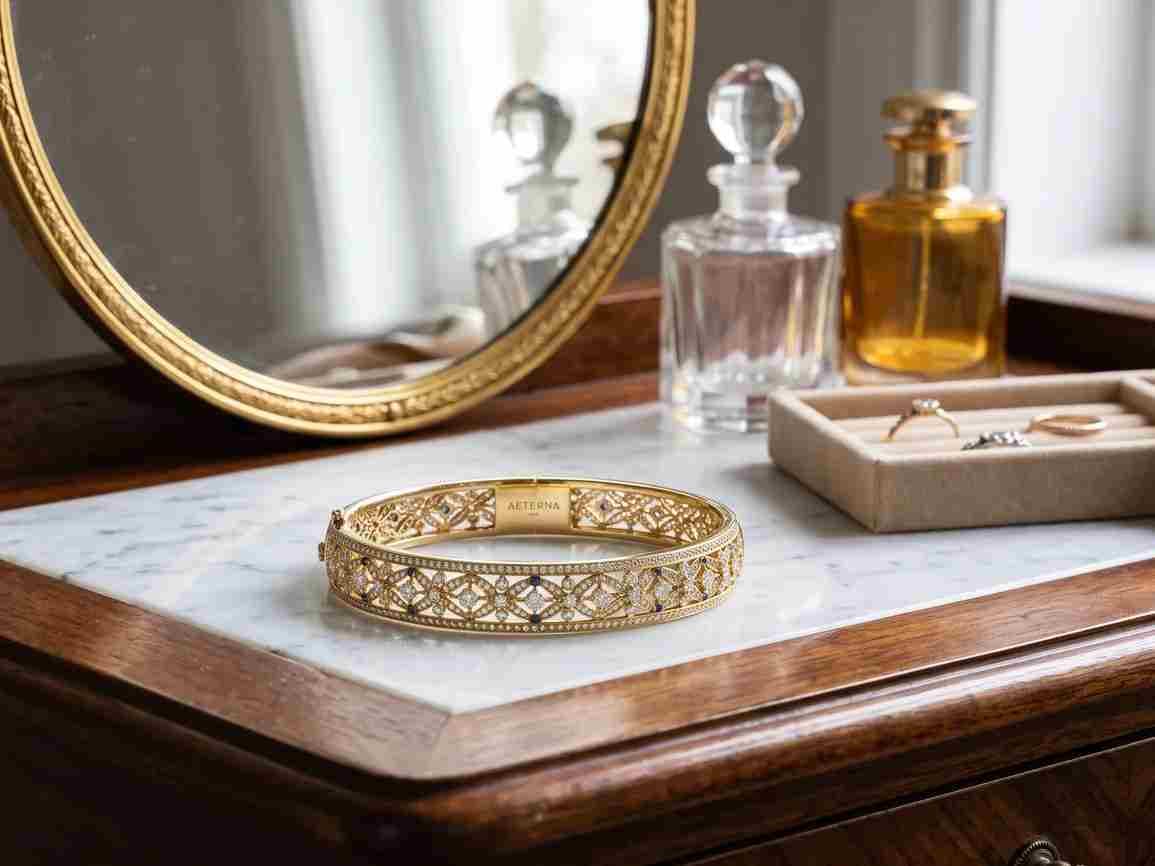
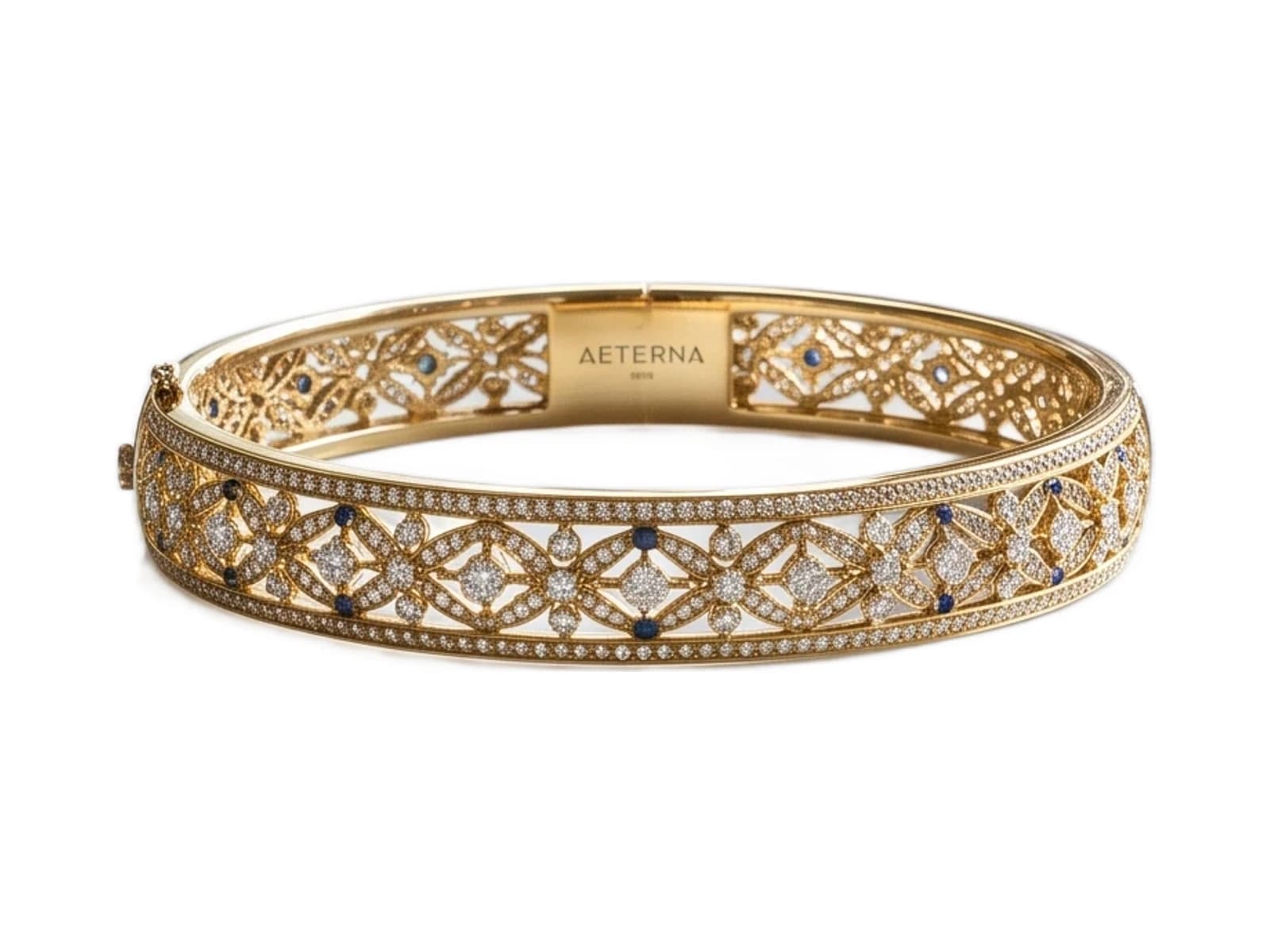
White background for jewelry photos
Drop a photo of a ring, necklace or bracelet and get a clean white backdrop that keeps every prong, chain link and reflection intact.
Before and after
One upload, one cutout, no manual masking.


Why jewelry needs a white background
A busy backdrop competes with the piece. White removes the competition and lets the metal and stones carry the frame.
The piece reads at thumbnail size
Most shoppers first see your listing at 200 pixels wide. On white, the silhouette of a ring is legible at that size; on a patterned surface it dissolves.
Colour stays honest
Coloured backdrops bounce light onto metal and shift the tone. A white field keeps rose gold reading as rose gold, so returns for 'not as pictured' drop.
The catalog looks like one catalog
Pieces shot on different days, in different rooms, land on the same background — so a collection page reads as a collection instead of a scrapbook.
How to get a white background
No masking, no pen tool, no lightbox.
- 01
Upload the photo
JPG, PNG or WebP, shot on any surface. A phone photo on a desk is enough to start.
- 02
The cutout runs
Edges are traced at sub-pixel width, which is what keeps a 0.8mm chain from being swallowed by the background.
- 03
Choose white or transparent
Flatten onto pure white for a marketplace listing, or keep the alpha channel for your own layouts.
- 04
Download and list
Export at full resolution and upload straight to your storefront.
White background for jewelry — FAQ
- Will a thin chain survive the cutout?
- Yes. Chains are the hardest case in jewelry and the one the edge detection is tuned around — links below a millimetre are kept rather than smoothed into the background.
- Is the white pure RGB 255,255,255?
- Yes, when you choose the white fill. That exact value is what Amazon and most marketplaces check for, so the export passes their automated image review.
- What happens to reflections in polished metal?
- Reflections are part of the piece, not the background, so they stay. What gets removed is the surface behind and around the item.
- Do I need a lightbox or a photo studio?
- No. A phone photo in daylight is enough. Even lighting helps the result, but the background itself can be any colour or texture.
- Can I keep a transparent background instead?
- Yes. Download the PNG with its alpha channel intact if you want to place the piece over your own colour or a lifestyle scene.
Related pages
More ways to prepare Jewelry images.
Put your jewelry on white
One photo, a few seconds, ready to list.