Preview an ID photo with a white background
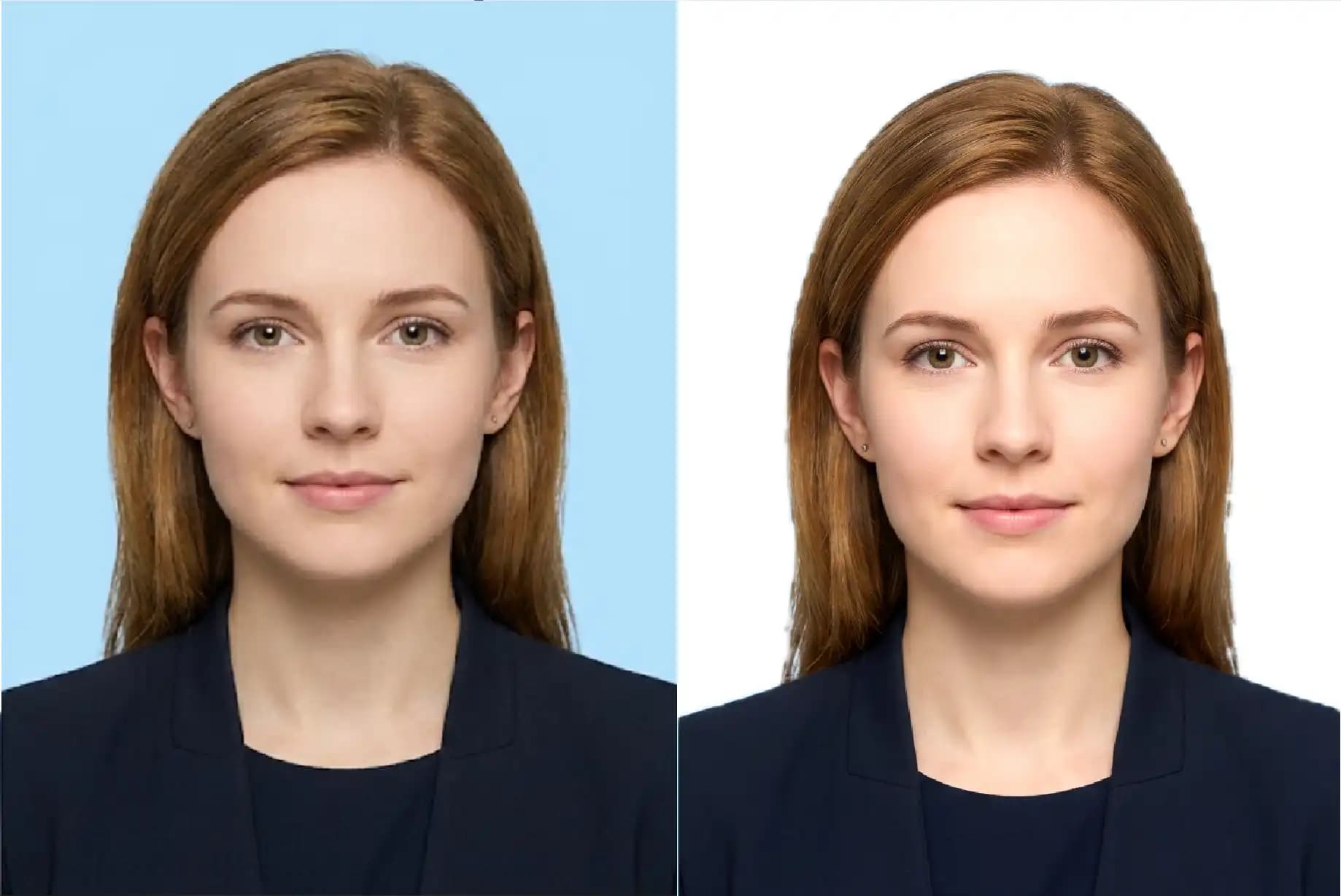
Upload a portrait to remove its original background and preview the first available ID photo template with its supported white background. Review the edges and composition in the editor.
Choose or drop JPEG, PNG or WebP images here.
One image, up to 25 MB. Decoded image limits also apply.
Background and portrait quality
A plain background makes it easier to inspect hair and shoulder edges. Strong shadows, motion blur and low contrast between the subject and the original background can reduce cutout quality.
Changing the background does not correct an unsuitable expression, pose or lighting. Confirm that the receiving authority accepts digitally edited backgrounds.
From upload to result
- 1Choose a clear source image on this page.
- 2Continue automatically in the editor with the settings shown above.
- 3Inspect the preview, adjust if needed, then choose a download option.
Previews contain a watermark. Clean single-photo and print-sheet downloads require the separate ID photo purchase; existing subscriptions do not replace it.
Before you start
Will I need to upload again?
No. In the same tab, the selected file is handed to the editor and processed there. Refreshing during the handoff can lose the file; select it again if prompted.
Does a preview guarantee acceptance?
No. Review the output yourself. ID photo authorities and upload sites can impose additional requirements.
Related tasks
Choose or drop JPEG, PNG or WebP images here.
One image, up to 25 MB. Decoded image limits also apply.