Compress multiple images in one workflow
Select up to 20 JPEG, PNG or WebP files and open the existing batch compressor. WebP output and quality 80 are selected as the starting point; review and adjust before exporting.
Choose or drop JPEG, PNG or WebP images here.
≤ 20Up to 30 MB per image. Decoded image limits also apply.
Keep a consistent output format
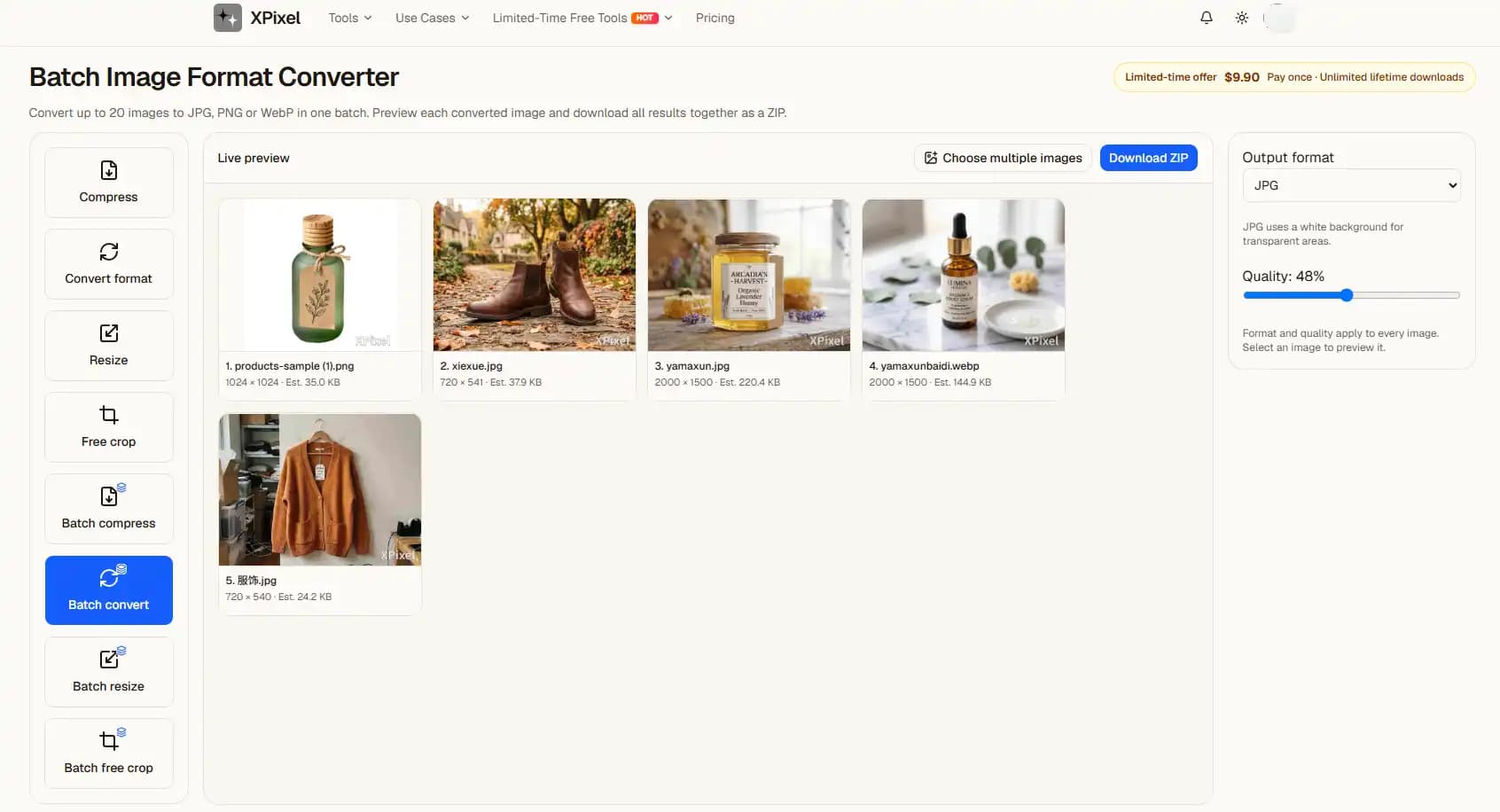
Batch compression applies shared output settings to the selected images. Inspect samples with fine text, gradients or detailed textures before committing to a quality level.
Each file can be up to 30 MB, subject to decoded dimension and pixel limits. File-size reduction varies by source. Failed inputs must be reviewed rather than assumed to be included in the archive.
From upload to result
- 1Choose a clear source image on this page.
- 2Continue automatically in the editor with the settings shown above.
- 3Inspect the preview, adjust if needed, then choose a download option.
Previews contain a watermark. Clean exports follow the access and purchase requirements shown in the editor.
Before you start
Will I need to upload again?
No. In the same tab, the selected file is handed to the editor and processed there. Refreshing during the handoff can lose the file; select it again if prompted.
Does a preview guarantee acceptance?
No. Review the output yourself. ID photo authorities and upload sites can impose additional requirements.
Related tasks
Choose or drop JPEG, PNG or WebP images here.
≤ 20Up to 30 MB per image. Decoded image limits also apply.