Convert WebP to JPG for wider compatibility
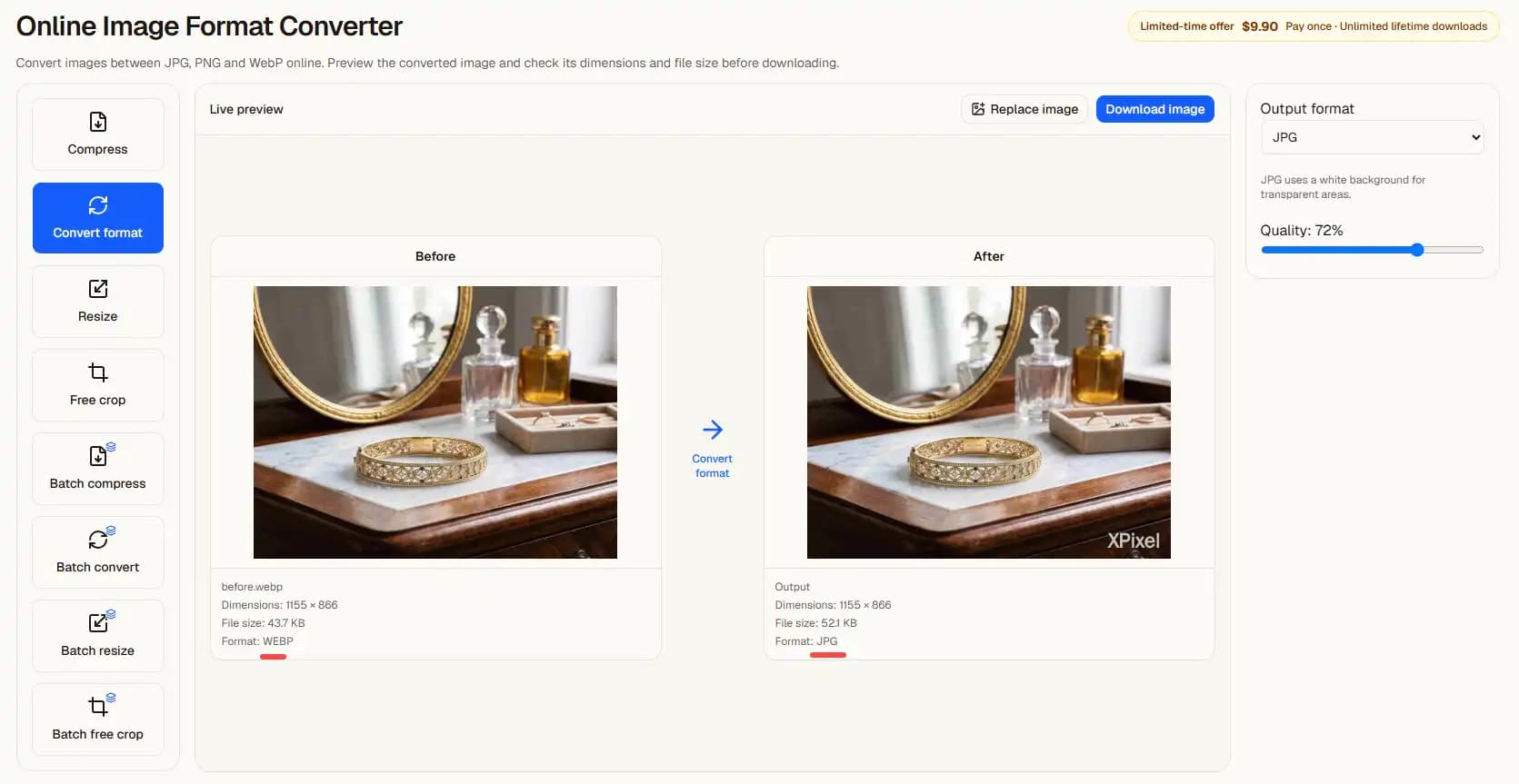
Open a WebP image in the converter with JPEG output already selected. Use the preview to check the white background and the balance between quality and file size.
Choose or drop JPEG, PNG or WebP images here.
Up to 30 MB per image. Decoded image limits also apply.
Compatibility and quality
Some upload forms accept JPG but reject WebP. Changing the actual encoding through the converter is different from renaming a .webp file to .jpg.
The tool produces a still image. Do not rely on it to preserve animation or every metadata field. Transparent pixels are composited against white in JPEG output.
From upload to result
- 1Choose a clear source image on this page.
- 2Continue automatically in the editor with the settings shown above.
- 3Inspect the preview, adjust if needed, then choose a download option.
Previews contain a watermark. Clean exports follow the access and purchase requirements shown in the editor.
Before you start
Will I need to upload again?
No. In the same tab, the selected file is handed to the editor and processed there. Refreshing during the handoff can lose the file; select it again if prompted.
Does a preview guarantee acceptance?
No. Review the output yourself. ID photo authorities and upload sites can impose additional requirements.
Related tasks
Choose or drop JPEG, PNG or WebP images here.
Up to 30 MB per image. Decoded image limits also apply.