Convert PNG to JPG with a white background
Upload a PNG to open the converter with JPEG output selected. Inspect the preview before downloading: transparent areas are filled with white because JPEG does not support transparency.
Choose or drop JPEG, PNG or WebP images here.
Up to 30 MB per image. Decoded image limits also apply.
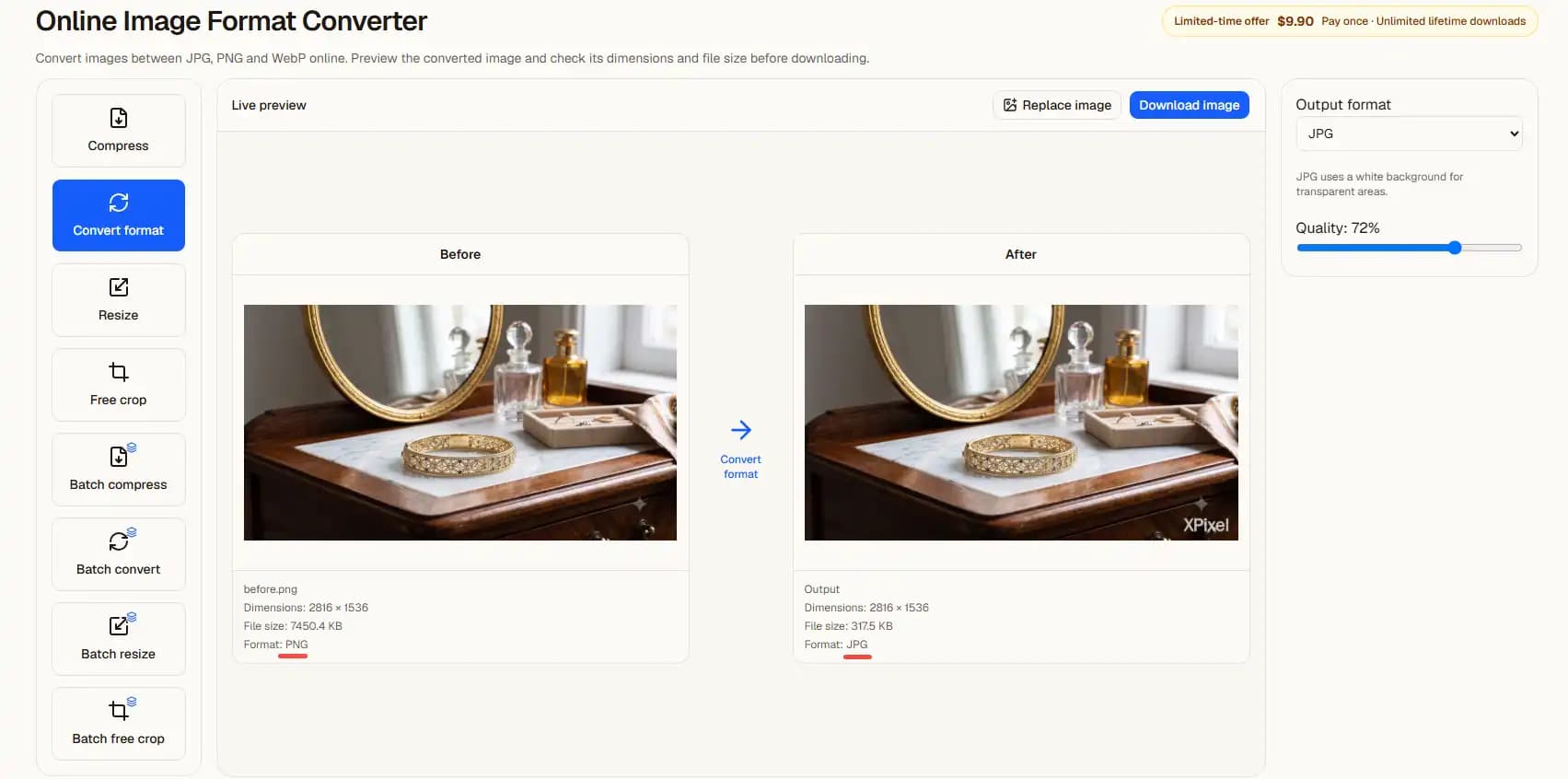
What changes during conversion?
JPEG uses lossy compression and a solid background. It can suit photographs and sites that require JPG, but small text and sharp edges can show compression artifacts.
Keep the original PNG if you need transparency or want to edit it again. Conversion is not guaranteed to reduce the size of every image.
From upload to result
- 1Choose a clear source image on this page.
- 2Continue automatically in the editor with the settings shown above.
- 3Inspect the preview, adjust if needed, then choose a download option.
Previews contain a watermark. Clean exports follow the access and purchase requirements shown in the editor.
Before you start
Will I need to upload again?
No. In the same tab, the selected file is handed to the editor and processed there. Refreshing during the handoff can lose the file; select it again if prompted.
Does a preview guarantee acceptance?
No. Review the output yourself. ID photo authorities and upload sites can impose additional requirements.
Related tasks
Choose or drop JPEG, PNG or WebP images here.
Up to 30 MB per image. Decoded image limits also apply.